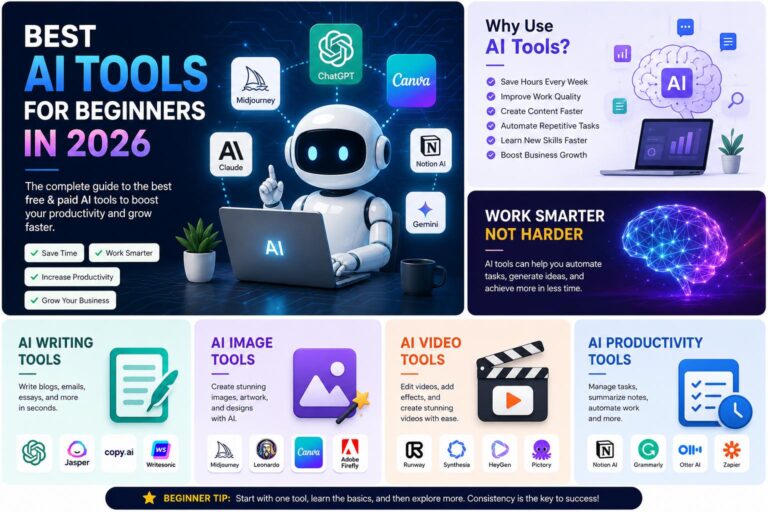
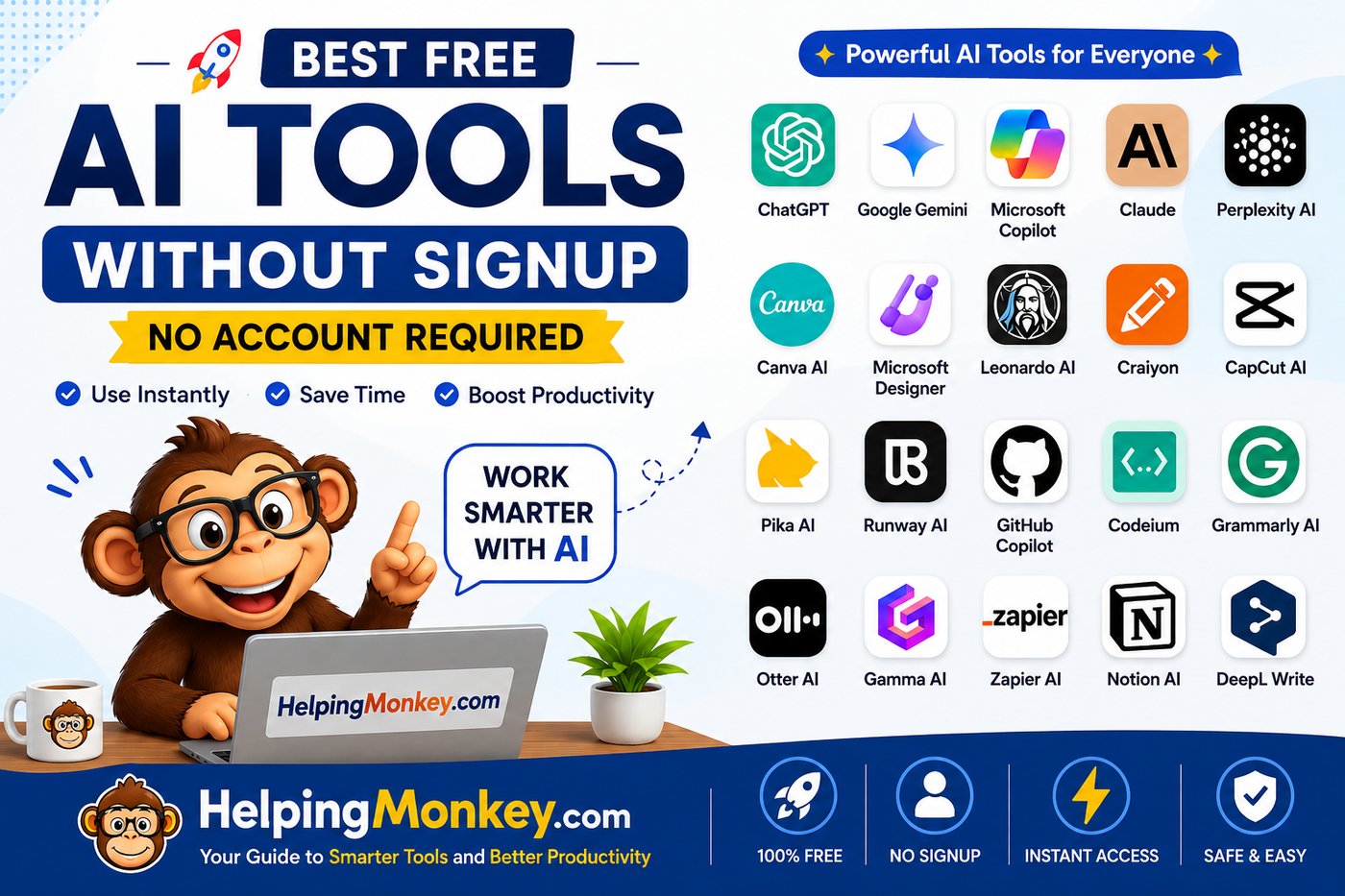
Artificial Intelligence is changing the way people work, learn, create content, and run businesses. Today, beginners can access powerful AI tools without expensive software or technical skills.
Many AI platforms allow users to try their features for free without creating an account. These tools can help with writing, image creation, video editing, coding, research, and productivity.
Whether you are a student, blogger, freelancer, content creator, or business owner, these free AI tools can help you save time and complete tasks more efficiently.
Here are the best free AI tools without signup that beginners can start using today.
ChatGPT
ChatGPT is one of the most popular artificial intelligence assistants in the world. It helps users create content, answer questions, learn new concepts, and solve everyday problems. The tool works through simple conversations, making it easy for beginners without technical knowledge. It can be used for personal tasks, education, business, and professional work. ChatGPT is one of the best AI tools for anyone who wants to explore artificial intelligence.
Best Uses:
✍️ Blog writing
📚 Learning new topics
💡 Generating ideas
📧 Writing emails
💻 Coding assistance
Features:
✅ Create articles and blog outlines
✅ Explain complex topics simply
✅ Generate marketing ideas
✅ Help with programming
✅ Improve writing quality
Example Uses:
- Create a content plan for a blog
- Write product descriptions
- Generate business ideas
- Learn programming concepts
Google Gemini
Google Gemini is an AI assistant developed by Google that helps users search information, create content, and solve problems. It is designed to understand natural language and provide helpful responses. Beginners can use Gemini for learning, research, writing assistance, and brainstorming ideas. Its connection with Google’s ecosystem makes it useful for finding information and understanding different topics. It is a powerful AI tool for students, professionals, and content creators.
Best Uses:
📚 Research
🧠 Learning
✍️ Content creation
📊 Information analysis
💡 Idea generation
Features:
✅ Answer questions
✅ Summarize information
✅ Explain difficult topics
✅ Create content ideas
✅ Help with planning
Example Uses:
- Create study notes
- Research a new topic
- Generate article ideas
- Explain technical concepts
Microsoft Copilot
Microsoft Copilot is an AI productivity assistant designed to help users complete daily tasks faster. It can assist with writing, research, brainstorming, and improving documents. Beginners can use Copilot to create content and solve problems without learning complicated tools. It is especially useful for professionals who work with documents, emails, and business tasks. Copilot helps users save time by reducing repetitive work.
Best Uses:
💼 Business tasks
📝 Document writing
📧 Emails
📊 Research
💡 Brainstorming
Features:
✅ Generate text content
✅ Rewrite sentences
✅ Create summaries
✅ Provide suggestions
✅ Help with planning
Claude
Claude is an AI assistant focused on writing, reasoning, and handling detailed information. It is popular among writers, researchers, and professionals because it can understand long documents and provide organized responses. Beginners can use Claude for creating articles, improving content, and learning new topics. Its writing style is often clear and natural, making it useful for content creators. Claude is a great choice for people who need detailed AI assistance.
Best Uses:
✍️ Long-form writing
📄 Document analysis
🧠 Brainstorming
📚 Learning
🔍 Research
Features:
✅ Write detailed articles
✅ Summarize documents
✅ Improve content quality
✅ Generate creative ideas
✅ Explain complex information
Perplexity AI
Perplexity AI is an AI-powered search tool that combines traditional search with artificial intelligence. It helps users find information quickly by providing direct answers instead of requiring users to browse multiple websites. Beginners can use it for research, learning, and finding accurate information about different topics. It is especially useful for students, bloggers, and professionals who need quick answers. Perplexity works like an intelligent research assistant.
Best Uses:
🔍 Research
📰 Finding information
📚 Learning
📊 Market research
💡 Content planning
Features:
✅ AI-powered search
✅ Quick answers
✅ Information summaries
✅ Topic explanations
✅ Research assistance
Canva AI
Canva AI is a popular design platform that helps beginners create professional graphics without advanced design skills. Its AI features allow users to generate images, create presentations, and design social media content quickly. The platform provides thousands of templates that make designing easier for beginners. Bloggers, marketers, and small businesses use Canva AI to create attractive visuals. It is one of the easiest AI design tools for non-designers.
Best Uses:
🎨 Graphic design
📱 Social media posts
📢 Marketing materials
📊 Presentations
🖼️ Website graphics
Features:
✅ AI image generation
✅ Design templates
✅ Background removal
✅ Presentation creation
✅ Social media designs
Microsoft Designer
Microsoft Designer is an AI-powered graphic design tool that helps users create professional visuals using simple text instructions. It can generate posters, banners, advertisements, and social media graphics automatically. Beginners do not need design experience because AI creates layouts based on their ideas. It is useful for businesses, bloggers, and creators who need quick designs. Microsoft Designer makes professional design accessible to everyone.
Best Uses:
🖼️ Image creation
📢 Advertisements
📱 Social media graphics
🎨 Creative designs
Features:
✅ AI-generated designs
✅ Image creation
✅ Marketing templates
✅ Easy editing
✅ Professional layouts
Leonardo AI
Leonardo AI is an advanced AI image generator that creates realistic and creative images from text descriptions. It is popular among designers, content creators, and businesses that need unique visuals. Beginners can use it to create artwork, website images, product visuals, and creative graphics. The platform offers different styles and customization options. It is a powerful tool for anyone interested in AI-generated images.
Best Uses:
🎨 Digital artwork
🖼️ Website images
📱 Social media graphics
🎮 Creative projects
Features:
✅ Realistic image generation
✅ Multiple art styles
✅ Image customization
✅ Creative designs
✅ AI editing tools
Craiyon
Craiyon is a simple AI image generator designed for beginners who want to experiment with AI creativity. It creates images from basic text descriptions without requiring design knowledge. The tool is easy to use and suitable for quick creative projects. Beginners can explore different ideas and understand how AI image generation works. It is a good starting point for people new to AI artwork.
Best Uses:
🎨 Simple illustrations
💡 Creative experiments
🖼️ AI images
Features:
✅ Text-to-image generation
✅ Easy interface
✅ Creative image ideas
✅ Beginner friendly
CapCut AI
CapCut AI is a popular video editing tool that includes artificial intelligence features for creators. It helps beginners create professional-looking videos without advanced editing skills. The platform provides AI-powered features such as automatic captions, background removal, and smart editing. It is widely used by YouTubers, social media creators, and businesses. CapCut makes video creation faster and easier.
Best Uses:
🎬 YouTube videos
📱 Reels and Shorts
📢 Marketing videos
🎥 Content creation
Features:
✅ Automatic captions
✅ AI effects
✅ Background removal
✅ Video templates
✅ Smart editing
Pika AI
Pika AI is a creative AI video generation tool that converts text descriptions into short videos. It allows users to create animations and visual effects without professional video editing skills. Beginners can use it for social media content, creative projects, and marketing videos. The tool makes video creation easier by using simple prompts. It is useful for creators who want to experiment with AI-generated videos.
Best Uses:
🎬 AI videos
📱 Social media content
🎨 Animations
Features:
✅ Text-to-video generation
✅ AI animations
✅ Creative effects
✅ Video creation
Runway AI
Runway AI is an advanced AI video platform used for creating and editing videos. It provides powerful tools for creators, designers, and marketers. Beginners can use it to explore AI video generation and improve their content creation process. The platform offers features that normally require professional editing software. Runway is useful for anyone interested in creative AI video production.
Best Uses:
🎥 Video creation
🎬 Editing
🎨 Creative projects
Features:
✅ Text-to-video
✅ AI effects
✅ Background editing
✅ Object removal
GitHub Copilot
GitHub Copilot is an AI coding assistant designed to help developers write code faster and improve programming skills. It uses artificial intelligence to suggest code, explain programming concepts, and help fix errors. Beginners can use it as a learning assistant while practicing programming languages like Python, JavaScript, and PHP. It helps developers reduce coding time and understand better ways to write software. GitHub Copilot is especially useful for students and beginners entering the programming world.
Best Uses:
💻 Programming
🐍 Learning Python
🌐 Web development
🐞 Debugging code
🚀 Software projects
Features:
✅ AI code suggestions
✅ Code explanation
✅ Error fixing assistance
✅ Programming guidance
✅ Supports multiple languages
Example Uses:
- Explain a Python function
- Fix programming errors
- Generate code examples
- Learn programming concepts
Codeium
Codeium is a free AI coding assistant that helps developers write and understand code more efficiently. It provides intelligent suggestions while programming and helps beginners learn coding faster. The tool supports multiple programming languages and can explain complicated code in simple words. It is useful for students, freelancers, and professional developers. Codeium helps reduce repetitive coding tasks and improves developer productivity.
Best Uses:
👨💻 Coding
🎓 Programming learning
⚙️ Software development
🔧 Code improvement
Features:
✅ Code autocomplete
✅ Code explanation
✅ AI chat assistance
✅ Debugging support
✅ Multiple language support
Grammarly AI
Grammarly AI is a writing assistant that helps users improve grammar, clarity, and communication. It uses artificial intelligence to suggest better sentences and improve writing style. Students, professionals, bloggers, and business owners use it to create clear and professional content. Beginners can use Grammarly to improve their writing skills without needing advanced language knowledge. It is useful for everyday writing tasks.
Best Uses:
✍️ Writing improvement
📧 Emails
📚 Academic writing
📝 Content editing
Features:
✅ Grammar correction
✅ Sentence improvement
✅ Writing suggestions
✅ Tone adjustment
✅ Spelling correction
Example Uses:
- Improve email writing
- Fix grammar mistakes
- Make content more professional
- Rewrite sentences
Otter AI
Otter AI is an artificial intelligence transcription tool that converts speech into text automatically. It helps users create notes from meetings, interviews, lectures, and conversations. Students and professionals can save time by allowing AI to record and summarize important information. The tool is useful for anyone who needs accurate voice-to-text conversion. Otter AI makes note-taking easier and more efficient.
Best Uses:
🎤 Meetings
📚 Lectures
📝 Interviews
📄 Note-taking
Features:
✅ Voice transcription
✅ Automatic notes
✅ Meeting summaries
✅ Speech-to-text conversion
ElevenLabs
ElevenLabs is an AI voice generation tool that creates realistic human-like voices using artificial intelligence. It is popular among content creators, video makers, and businesses that need professional voiceovers. Beginners can use it to create audio content without hiring voice artists. The tool can generate natural-sounding voices for different types of projects. It is useful for YouTube videos, podcasts, and educational content.
Best Uses:
🎙️ Voiceovers
🎬 Video narration
📚 Educational content
🎧 Audio projects
Features:
✅ AI voice generation
✅ Natural voices
✅ Multiple voice styles
✅ Audio creation
NotebookLM
NotebookLM is an AI research assistant that helps users understand and organize information. It can analyze documents and provide summaries, explanations, and insights. Students, researchers, and professionals can use it to study large amounts of information faster. The tool helps users interact with their own documents using AI. It is useful for learning and research purposes.
Best Uses:
📚 Research
📄 Document analysis
🎓 Learning
📝 Study notes
Features:
✅ Document summaries
✅ AI explanations
✅ Research assistance
✅ Information organization
Gamma AI
Gamma AI is an AI presentation creation tool that helps users create professional presentations quickly. Instead of designing slides manually, users can provide a topic and let AI generate a presentation structure. It is useful for students, business owners, and professionals. Beginners can create attractive presentations without learning advanced design software. Gamma saves time and improves presentation quality.
Best Uses:
📊 Presentations
💼 Business proposals
🎓 Education
📈 Reports
Features:
✅ AI slide creation
✅ Professional templates
✅ Content generation
✅ Easy editing
Tome AI
Tome AI is an AI-powered storytelling and presentation tool. It helps users create visual presentations, documents, and creative content using simple instructions. Businesses and creators can use it to communicate ideas more effectively. Beginners can quickly create professional-looking presentations without design skills. It is useful for storytelling, marketing, and education.
Best Uses:
📊 Presentations
📢 Marketing
📚 Education
💡 Storytelling
Features:
✅ AI-generated presentations
✅ Visual storytelling
✅ Content suggestions
✅ Creative layouts
Zapier AI
Zapier AI helps automate repetitive tasks by connecting different apps and services. It allows businesses and individuals to save time by creating automated workflows. Beginners can use it without advanced programming knowledge. It is useful for marketing, business operations, and productivity improvement. AI automation helps users complete routine tasks automatically.
Best Uses:
⚡ Automation
💼 Business workflows
📧 Marketing
📊 Productivity
Features:
✅ Task automation
✅ App connections
✅ Workflow creation
✅ AI assistance
Notion AI
Notion AI is an AI assistant integrated into the Notion productivity platform. It helps users organize information, write content, create summaries, and manage projects. Students, entrepreneurs, and teams use it to improve productivity. Beginners can use AI features to create notes and manage tasks more efficiently. It combines productivity tools with artificial intelligence.
Best Uses:
📝 Note-taking
📚 Learning
💼 Project management
📅 Planning
Features:
✅ AI writing assistance
✅ Content summaries
✅ Task organization
✅ Idea generation
DeepL Write
DeepL Write is an AI writing improvement tool that helps users create clearer and more natural sentences. It is useful for people who write in multiple languages or want to improve professional communication. The tool suggests better wording and improves sentence structure. Students, writers, and professionals can use it to enhance their writing quality.
Best Uses:
✍️ Writing improvement
🌍 Language assistance
📧 Professional communication
Features:
✅ Sentence rewriting
✅ Style improvement
✅ Better wording suggestions
✅ Grammar assistance
Free AI Tools Comparison Table
| AI Tool | Main Purpose | Best For |
|---|---|---|
| ChatGPT | AI assistant | Writing and learning |
| Google Gemini | Research assistant | Students and creators |
| Microsoft Copilot | Productivity | Professionals |
| Claude | Writing and analysis | Bloggers |
| Perplexity AI | AI search | Research |
| Canva AI | Design | Social media creators |
| Leonardo AI | Image generation | Designers |
| CapCut AI | Video editing | Content creators |
| Pika AI | AI videos | Creators |
| Runway AI | Video generation | Professionals |
| GitHub Copilot | Coding | Developers |
| Grammarly AI | Writing improvement | Students and writers |
| Otter AI | Transcription | Meetings |
| Gamma AI | Presentations | Businesses |
| Zapier AI | Automation | Businesses |
How to Choose the Right AI Tool
Choosing the right AI tool depends on your goals.
For Writing and Content Creation:
Best choices:
✅ ChatGPT
✅ Claude
✅ Grammarly AI
✅ Gemini
Use these tools for articles, emails, social media posts, and content ideas.
For Image and Design Creation:
Best choices:
✅ Canva AI
✅ Leonardo AI
✅ Microsoft Designer
Use these tools for graphics, banners, thumbnails, and marketing designs.
For Video Creation:
Best choices:
✅ CapCut AI
✅ Pika AI
✅ Runway AI
Use these tools for YouTube videos, advertisements, and social media content.
For Coding:
Best choices:
✅ GitHub Copilot
✅ Codeium
Use these tools for learning programming and building software projects.
Tips for Beginners Using AI Tools
Start With Simple Tasks
Do not try complicated projects immediately. Begin with simple activities like writing ideas, summaries, and basic designs.
Learn Prompt Writing
Better prompts create better results.
Instead of:
“Create an article.”
Try:
“Create a beginner-friendly SEO article about AI tools with examples and benefits.”
Combine Multiple AI Tools
The best results often come from using multiple tools together.
Example:
- Use ChatGPT for article writing
- Use Canva AI for images
- Use CapCut AI for videos
This creates a complete content workflow.
Always Review AI Output
AI tools are powerful, but human review is important.
Check:
✅ Accuracy
✅ Grammar
✅ Originality
✅ Quality
Final Thoughts
Free AI tools without signup have made artificial intelligence accessible to everyone. Beginners no longer need expensive software or technical knowledge to start using AI.
From writing and design to coding and automation, these tools can help you save time and improve productivity.
The best way to learn AI is by experimenting with different tools and discovering how they can help your personal or professional goals.
Whether you are a student, blogger, freelancer, or business owner, learning AI tools in 2026 can give you a valuable advantage in the digital world.